Realistic Stroke Editable Text Effect: A Practical Guide for Designers
In the realm of digital typography, the ability to create depth and dimension without compromising file integrity is a critical skill. The Realistic Stroke Editable Text Effect represents a specific approach to achieving this balance within vector-based workflows. Unlike rasterized filters or complex manual layering that can bloat files, this effect is designed to maintain the scalability and editability inherent to Adobe Illustrator. For professionals working on headlines, logos, or marketing materials, understanding the mechanics, benefits, and limitations of this resource is essential for making informed design decisions.
Understanding the Core Mechanics of Vector Stroke Effects
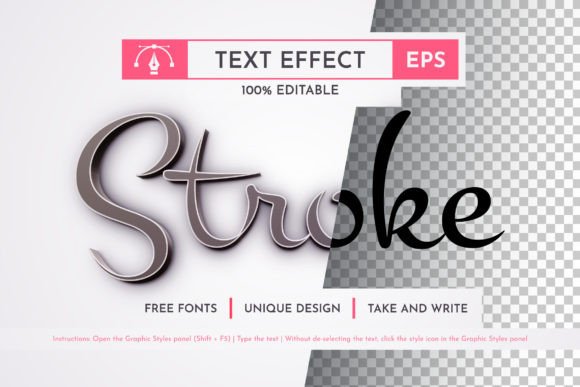
The primary distinction of the Realistic Stroke Editable Text Effect lies in its construction. Traditional text effects often rely on applying live effects that can become heavy when applied to large documents or rasterizing the final output, which locks the design into a fixed resolution. In contrast, this specific resource utilizes a structured vector format where the stroke and shadow components are built as editable paths or grouped elements.
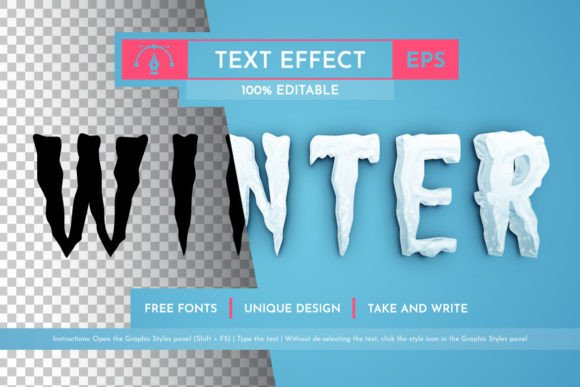
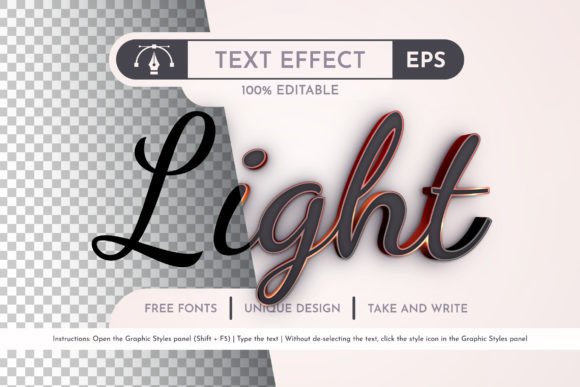
When you apply a standard brush or drop shadow in many design applications, the result is often a "black box" of code that is difficult to tweak once rendered. With the Realistic Stroke Editable Text Effect, the layers remain organized and distinct. This means that every curve, gradient stop, and stroke weight is accessible. The effect is not merely a visual overlay; it is a modular system integrated directly into the Graphic Styles panel of Adobe Illustrator CC 2014 or later versions. This integration allows designers to apply a complex, multi-layered look with a single click while retaining the ability to deconstruct and modify individual elements later.
Scalability and Resolution Independence
One of the most significant advantages of using a vector-based solution like this is the absence of quality loss during scaling. Whether a headline needs to appear on a small mobile screen or a massive billboard, the crispness of the edges remains intact. Raster-based alternatives often suffer from pixelation when enlarged, requiring the designer to recreate the asset at a higher resolution. The Realistic Stroke Editable Text Effect eliminates this workflow bottleneck. Because the geometry is defined mathematically rather than by pixels, the design remains sharp at any zoom level. This makes it particularly suitable for print production, where high-resolution output is non-negotiable.
Comparing Workflow Efficiency: Manual vs. Pre-Built Styles
Designers often face a choice between building complex text effects from scratch or utilizing pre-made resources. Creating a realistic stroke effect manually involves setting up multiple clipping masks, adjusting blend modes, fine-tuning gradients, and managing dozens of anchor points. While this offers total creative control, it is time-intensive. For projects with tight deadlines, the manual approach may not be the most efficient use of resources.
The Realistic Stroke Editable Text Effect serves as a middle ground. It provides a sophisticated starting point that mimics the complexity of a hand-crafted design but delivers it instantly via the Graphic Styles panel. When comparing this to other generic texture packs or simple outline brushes, the difference becomes apparent in the level of detail. Simple brushes often lack the depth required for professional headlines, resulting in a flat appearance. Conversely, overly complex 3D rendering tools can slow down software performance and complicate the editing process.
This specific effect strikes a balance by offering a polished, bright, and attractive aesthetic that is ready for immediate use. The inclusion of organized layers ensures that if a client requests a change in color or a slight adjustment to the stroke width, the designer does not need to rebuild the entire graphic. They can simply select the relevant layer and adjust the attributes. This flexibility is a key differentiator when evaluating productivity tools for commercial work.
File Formats and Compatibility Considerations
Compatibility is another crucial factor in selecting design assets. The Realistic Stroke Editable Text Effect is provided in both AI (Adobe Illustrator) and EPS (Encapsulated PostScript) formats. This dual-format availability ensures broad compatibility across different versions of Adobe Creative Cloud and even some third-party vector software. The requirement for Adobe Illustrator CC 2014 or later is reasonable, as this version introduced significant improvements in GPU acceleration and layer management that support complex graphic styles efficiently.
However, users should note that while the effect is fully editable in these formats, older versions of Illustrator might struggle with the specific features used in the Graphic Styles panel. If a team relies on legacy software, they may encounter limitations. Furthermore, while the EPS format allows for sharing with clients who do not have Illustrator, full editability of the style components is best preserved within the native AI environment. Understanding these technical constraints helps prevent workflow interruptions.
Evaluating Use Cases: When This Effect Shines
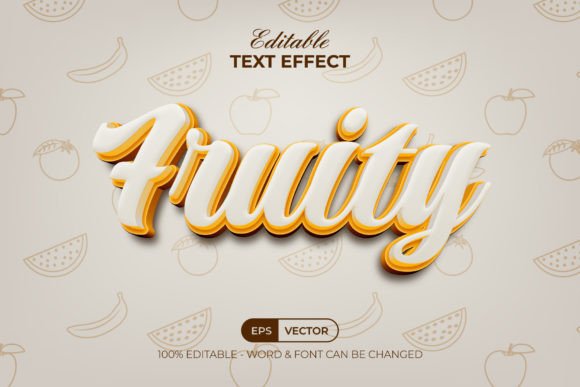
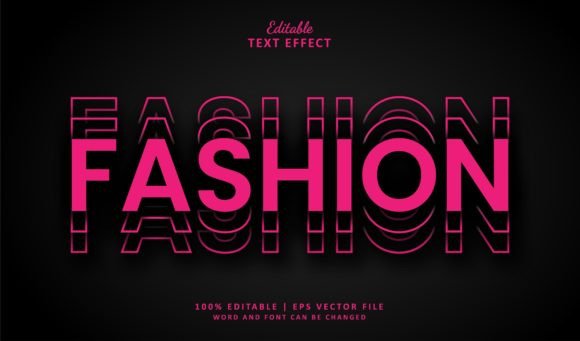
The Realistic Stroke Editable Text Effect is particularly well-suited for specific design scenarios where impact and clarity are paramount. It excels in creating bold titles for posters, event flyers, album covers, and web banners. The "bright and attractive" nature of the effect makes it ideal for industries that require high visibility, such as entertainment, sports, and technology marketing.
Consider a scenario where a designer needs to create a series of social media graphics for a music festival. Using this effect, they can generate a consistent brand identity across all posts quickly. By changing the fill colors of the text and the stroke accents, they can produce variations for different artists without altering the underlying structure. This consistency is harder to achieve when rebuilding effects manually for each iteration.
Additionally, the effect is beneficial for print projects where the final output requires high fidelity. Since the resource is fully ready for print, designers can avoid the common pitfall of low-resolution text artifacts. The organized layers also make it easier for pre-press teams to inspect the file for potential issues, ensuring a smoother production process.
Situations Where Alternatives May Be Preferable
Despite its strengths, the Realistic Stroke Editable Text Effect is not a universal solution. There are situations where a more minimalistic approach or a completely custom design would be more appropriate. For instance, in corporate branding that demands strict adherence to minimalist guidelines, the added depth and stroke details of this effect might feel too ornate or distracting.
Similarly, if a project requires a unique, one-of-a-kind typographic treatment that deviates significantly from standard stroke patterns, relying on a pre-set style might limit creativity. In such cases, using the effect as a reference or a base for further modification is advisable, but expecting it to fit perfectly without customization could lead to a generic look. Designers should evaluate whether the "realistic" aspect aligns with the overall tone of their project. If the goal is abstract or experimental typography, simpler geometric shapes or custom-drawn strokes might offer better artistic freedom.
Technical Maintenance and Long-Term Value
A robust design resource includes clear documentation and support structures. The inclusion of a help file and an instruction guide regarding font usage adds significant value to the Realistic Stroke Editable Text Effect. Typography is often the weakest link in design assets due to licensing issues or missing fonts. By providing information about the fonts used, the creator ensures that users can replicate the exact look without encountering substitution errors.
Furthermore, the commitment to fixing errors and improving the store based on user feedback indicates a focus on long-term product quality. In the digital asset market, resources often become obsolete or buggy over time. A provider who actively addresses shortcomings and updates files ensures that the tool remains reliable for future projects. This reliability is a key decision factor for professionals who need to trust their assets for client work.
Making the Final Decision
Ultimately, the decision to integrate the Realistic Stroke Editable Text Effect into your workflow depends on your specific project requirements and design philosophy. If you prioritize efficiency, scalability, and the ability to produce high-quality vector graphics quickly, this resource offers a compelling advantage. Its organized structure and compatibility with modern Illustrator versions make it a practical tool for both freelancers and agencies.
However, it is important to weigh these benefits against the need for unique customization. If your project demands a highly bespoke look that defies standard styling, you may find that manual creation or alternative tools serve you better. By understanding the capabilities and limitations of this effect, designers can make informed choices that enhance their productivity without sacrificing creative vision. Whether used as a standalone element or as a foundation for further experimentation, the Realistic Stroke Editable Text Effect provides a solid, versatile option for elevating typographic design.