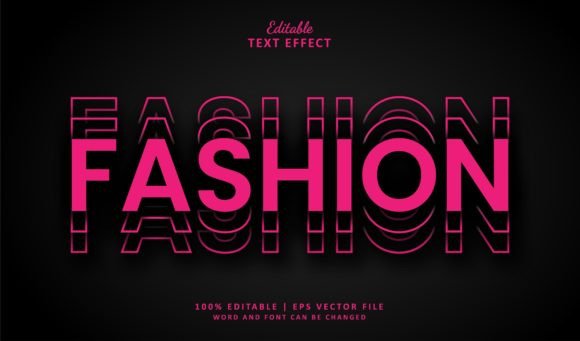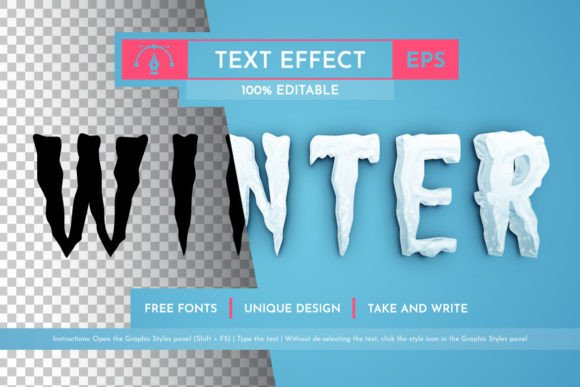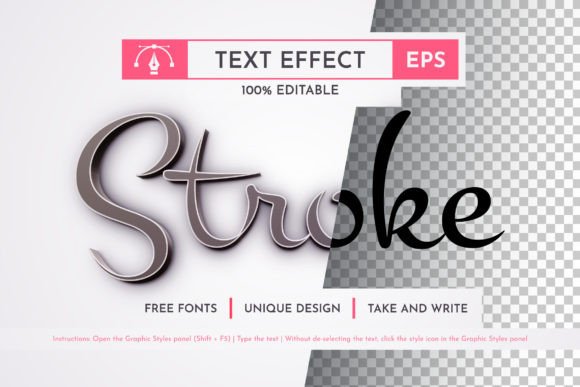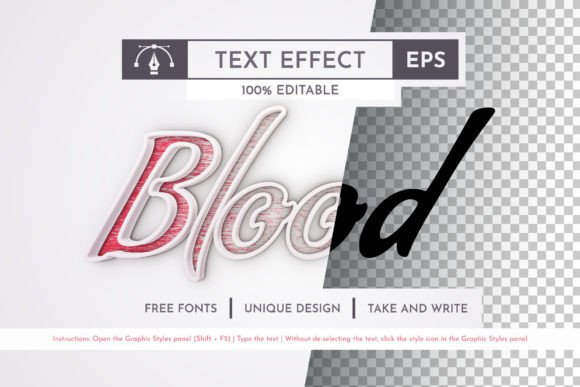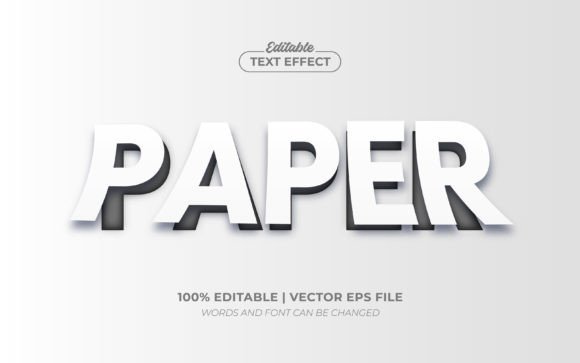
Paper Cutout Emboss Editable Text Effect
In the crowded landscape of digital design, standing out often requires a texture that feels tangible. The Paper Cutout Emboss Editable Text Effect delivers exactly that. It transforms flat, standard type into a layered, dimensional experience that mimics the look of hand-cut paper stacked to create depth. This isn't just another decorative overlay; it is a complete visual system designed to give your typography weight and presence without sacrificing the flexibility you need for professional workflows.
What makes this asset particularly valuable is its versatility. Whether you are crafting a whimsical logo for a children's brand or creating sophisticated editorial headers, the embossed aesthetic adds a tactile quality that resonates with audiences on an instinctive level. It bridges the gap between modern digital crispness and the nostalgic charm of analog craft. Because it is built as an editable vector effect rather than a static image, you retain full control over the message while enjoying the high-end finish of a custom illustration.
The Visual Language of Dimensional Typography
At its core, the Paper Cutout Emboss 3D Editable Text Effect relies on the interplay of light, shadow, and layering. Unlike traditional serif or sans serif fonts that rely solely on stroke width and curve, this style introduces a third dimension. The "emboss" aspect creates the illusion that the letters are raised from the background, casting subtle shadows that define their edges. The "paper cutout" element suggests layers of different colored stock, giving the text a rich, multi-tonal appearance.
This visual personality is distinctively playful yet refined. It avoids the overly glossy look of plastic 3D renders, opting instead for the matte, organic feel of real paper. For designers, this means the effect works exceptionally well in contexts where warmth and approachability are key. It softens the harshness of pure digital geometry, making brands feel more human and accessible. The texture implies craftsmanship, suggesting that the content behind the text has been carefully curated and assembled by hand.
From a technical standpoint, the effect is robust. It utilizes advanced vector paths and blending modes within Adobe Illustrator to simulate depth. This ensures that no matter how much you scale the text—from a tiny favicon to a massive billboard—the edges remain razor-sharp. There is no pixelation, no blurring, and no loss of detail. The Editable Font Style Premium Vector nature of the file means the underlying structure is intelligent, responding dynamically to changes in font choice or size.
Strategic Applications Across Media
The utility of this design asset extends far beyond simple decoration. In brand identity projects, it can serve as a powerful tool for differentiation. A logo created with this effect immediately signals creativity and attention to detail. For startups looking to establish a unique voice, using a display font style like this can be more memorable than a generic corporate typeface. It works beautifully for lifestyle brands, creative agencies, boutique shops, and educational platforms.
In the realm of packaging design, the illusion of physical layers complements the actual product. Imagine a box for artisanal cookies or a subscription crate for craft supplies; the text on the packaging appears to pop off the surface, enhancing the perceived value of the contents. Similarly, in editorial design, these effects make headlines impossible to ignore. They break up walls of text in magazines, brochures, and annual reports, guiding the reader's eye and establishing a clear visual hierarchy.
Digital applications are equally compelling. On social media graphics, where competition for attention is fierce, the 3D depth helps posts stop the scroll. The contrast created by the embossed layers ensures readability even against complex backgrounds. For web design, these assets can be exported as high-quality images or optimized SVGs for use in hero sections, banners, and call-to-action buttons. They add a premium feel to landing pages without requiring heavy coding or complex CSS animations.
Mastering the Workflow: Editing and Customization
One of the most common misconceptions about textured typography is that it locks you into a specific typeface. With the Paper Cutout Emboss Editable Text Effect, this simply isn't the case. This is not a font file itself; it is a design template that accepts any typeface you choose. You can import your favorite modern sans serif, a classic serif, a flowing script, or a bold handwritten font, and the emboss effect will adapt instantly.
The workflow is streamlined for efficiency. Once you open the EPS file in Adobe Illustrator, the text remains fully editable. You do not need to ungroup layers or trace paths manually. Simply click on the text box, type your new copy, and the entire 3D structure updates automatically. If you want to change the font family, select the text and choose a different typeface from your library. The effect recalculates the shadows and layers in seconds, preserving the integrity of the design.
This flexibility allows for rapid iteration. When working with clients or stakeholders who are unsure about the final wording, you can swap out phrases without starting from scratch. You can also experiment with color schemes. The included styles often feature neutral tones, but because the layers are separate, you can apply global swatches to match your brand palette. This makes the asset a true time-saver for busy designers and marketers who need to produce high-quality visuals quickly.
Evaluating Fit and Ensuring Readability
While the visual impact of this effect is strong, strategic application is crucial for maintaining professionalism. Not every project benefits from heavy 3D styling. For body copy or long-form text, a clean, flat typeface is usually superior for readability. The Paper Cutout Emboss 3D Editable Text Effect is best reserved for headlines, logos, short slogans, and accent text where visual interest is prioritized over dense information consumption.
When selecting a base font for this effect, consider the complexity of the letterforms. Intricate script fonts or highly detailed display fonts can sometimes lose definition when heavily layered. Bold, geometric sans serifs often yield the cleanest results, providing a solid foundation for the embossing. However, a well-chosen serif font can add a touch of elegance, especially if the goal is a vintage or bookish aesthetic.
Testing is essential. Always preview your design at various sizes to ensure the details hold up. Check how the colors interact with different backgrounds. A dark embossed text might disappear on a black background, while white text could struggle on a bright page. Use the included JPG previews to get a quick sense of the final output before committing to the full edit. Additionally, review the commercial licensing terms included in the .zip package to ensure your usage aligns with the permitted rights, whether for personal hobbies or large-scale commercial campaigns.
Ultimately, this asset is about empowering creators to elevate their work with minimal friction. By combining the structural precision of vector graphics with the organic appeal of paper craft, the Paper Cutout Emboss Editable Text Effect offers a versatile solution for modern design challenges. It invites you to experiment, refine, and produce work that feels both contemporary and timeless.