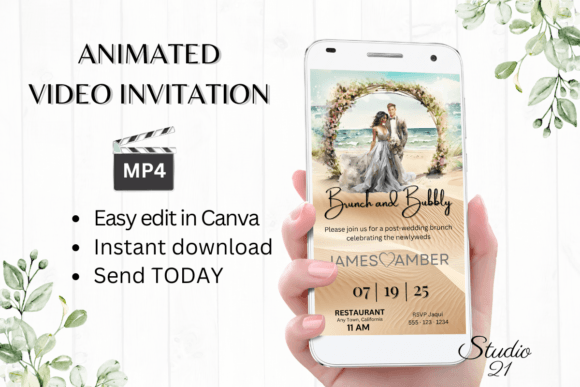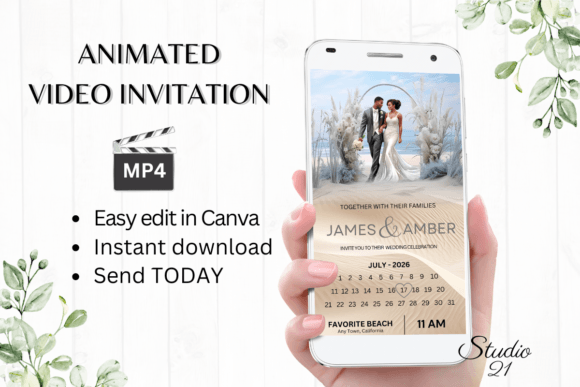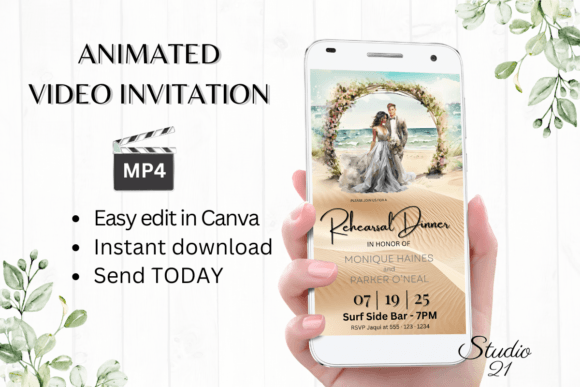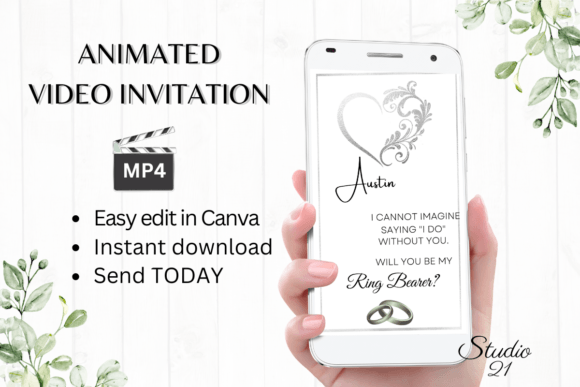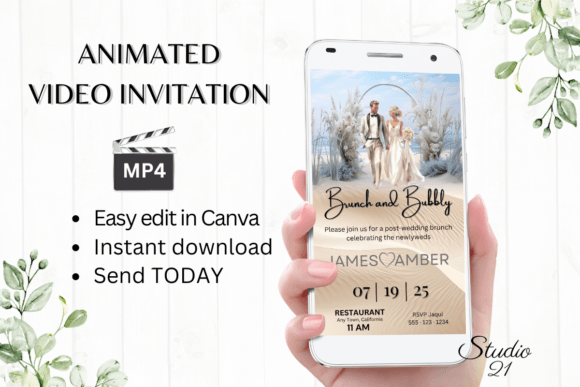
Beach Wedding Brunch Invite W9806
Planning a wedding brunch by the ocean requires a specific tone: relaxed yet elegant, celebratory but not overly formal. The Beach Wedding Brunch Invite W9806 is designed to capture this exact atmosphere while solving the logistical headaches of modern event planning. This digital animated video invitation template transforms the traditional static card into a dynamic, shareable experience that fits seamlessly into the way guests communicate today. Whether you are a DIY bride, a professional wedding planner managing multiple clients, or a creative entrepreneur looking for efficient design solutions, this template offers immediate access and full customization without the need for expensive software.
The Shift from Static Cards to Animated Invitations
The landscape of event invitations has evolved significantly. While printed cards hold sentimental value, digital formats offer speed, cost-efficiency, and environmental benefits. The Beach Wedding Brunch Invite W9806 represents this shift by leveraging animation to convey emotion and urgency in a way text alone cannot. A gentle wave motion, a shimmering sun effect, or a smooth transition between details can set the mood before a guest even reads the first word.
This template is built on a 1080x1920 pixel canvas, optimized specifically for mobile screens where most social interactions occur. Unlike desktop-first designs that often look cramped on phones, this vertical format ensures that every detail—from the venue address to the RSVP deadline—is legible and visually appealing on an iPhone, Android, or tablet. By choosing a video format, you are meeting your guests where they are: scrolling through their messaging apps.
Customization Without the Technical Barrier
One of the most significant advantages of the Beach Wedding Brunch Invite W9806 is its accessibility. You do not need to be a graphic designer or download heavy software like Adobe After Effects. The entire editing process takes place within Canva, a user-friendly platform accessible via web browser or mobile app. This removes the friction of learning curves and font management, allowing you to focus on the content rather than the technical execution.
When you receive the PDF with the link to the template, you gain immediate control over every element. You can personalize the text to match your specific event narrative. Perhaps your brunch features a surprise live jazz band, or maybe you want to highlight a specific dress code like "barefoot chic." With the ability to add or delete text blocks, you can tailor the message precisely. Furthermore, the font options allow you to adjust styles, colors, and sizes to ensure hierarchy and readability. If the default script feels too formal, switch to a clean sans-serif; if the color palette doesn't match your bridesmaids' dresses, update it instantly.
Animation styles are equally flexible. You might prefer a subtle fade-in for a sophisticated look, or a more energetic bounce for a lively celebration. These adjustments can be made directly on your computer for detailed work or performed on your mobile device for quick edits while on the go. There is no waiting period for proofs or revisions from a third-party vendor. The moment you are satisfied with the design, you are ready to share.
Strategic Applications for Different Audiences
While the primary use case is a beach wedding brunch, the versatility of the Beach Wedding Brunch Invite W9806 extends to various other events. The core aesthetic—sunny, breezy, and inviting—translates well across different contexts. Here is how different users can adapt this template for unique goals:
- Wedding Planners: Use this as a rapid prototyping tool. Show clients a customized version within minutes to secure bookings. The ability to generate multiple variations quickly allows you to present options for different themes, such as sunset receptions or morning ceremonies, all using the same base structure.
- Bachelorette Parties: Adapt the text to announce a weekend getaway. Change the "Wedding" header to "Bride's Weekend" and swap the RSVP details for travel logistics. The beach theme remains perfect for destination bachelorettes in locations like Miami, Cancun, or Tulum.
- Corporate Retreats: For companies hosting team-building events at coastal resorts, this template offers a refreshing alternative to standard corporate emails. It sets a tone of relaxation and fun, encouraging higher attendance and engagement.
- Destination Events: Whether it is a vow renewal, an anniversary party, or a milestone birthday, the visual language of the ocean evokes universal feelings of joy and new beginnings. The MP4 format ensures that even international guests receive a high-quality invitation that loads quickly on various networks.
Optimizing Distribution and Guest Experience
The true power of a digital invitation lies in its distribution. Once you have edited the Beach Wedding Brunch Invite W9806 in Canva, you download it as an MP4 file. This file format is universally compatible, ensuring that your invitation plays smoothly regardless of the recipient's device or operating system. You can send these files directly via text message, WhatsApp, Messenger, or iMessage. This personal touch often feels more intimate than a generic email blast.
For larger guest lists, the template also supports sharing via a direct link. This method is particularly useful for embedding in email signatures or posting on event websites. The link serves as a central hub, reducing the clutter in individual inboxes. Detailed instructions included in your download package guide you through the best practices for sharing, ensuring that your guests have a seamless experience from the moment they receive the invite to the moment they RSVP.
To maintain clarity and organization, consider segmenting your guest list. Send the video invite to close friends and family who appreciate the multimedia format, while perhaps following up with a simple text reminder for those who may miss the notification. Consistency is key; ensure that the information in the video matches any follow-up communications exactly. Avoid changing details after sending the invite to prevent confusion. If changes are necessary, send a clear, concise update referencing the original invitation.
Practical Tips for a Polished Final Product
While the template provides a strong foundation, the final result depends on your attention to detail. Start by reviewing the text for typos and accuracy. Double-check dates, times, and addresses. In a video format, text appears and disappears, so ensure that critical information stays on screen long enough to be read comfortably. Test the animation speed; if the transitions are too fast, guests may miss important details.
Color consistency is another vital aspect. Remember that colors may vary depending on the device used. What looks vibrant on your monitor might appear slightly different on a smartphone. Stick to high-contrast combinations for readability, especially if the background includes complex textures like sand or water. If you are adding photos, ensure they are high-resolution to avoid pixelation when the video is compressed.
Finally, embrace the immediacy of the digital format. Because there are no printing costs or shipping delays, you have the freedom to iterate. If a client or partner suggests a change, you can implement it instantly and re-download the file. This agility allows for a collaborative design process that was previously impossible with traditional print invites. The Beach Wedding Brunch Invite W9806 empowers you to create a memorable first impression that sets the stage for a beautiful day by the sea.